

How to Set Up and Optimise Your Google Business Profile (Complete Guide)
How to optimise your Google Business Profile: a step-by-step guide for local businesses to rank higher on Google Maps and get more enquiries.
 // featured
For a lot of local businesses, the Google Business Profile matters more than their actual website. It is free, it sits right at the top of the results above the regular listings, and it often decides whether someone calls you or the competitor two streets over. And yet most profiles are half-filled, out of date, or simply set up wrong. In this guide we walk through, step by step, how to set yours up and optimise it so you actually show up for local searches.
What the Google Business Profile is and why it pays off
When someone searches Google for "dentist near me" or "accountant London", something important happens at the top of the page: before the normal results, a map appears with three businesses. That box is called the Local Pack, and it is exactly where you want to be. Studies consistently show those three listings take the lion's share of the clicks. If you do not make it into the Local Pack, you are fighting over the scraps.
The good news: the Google Business Profile is completely free. You are not competing here with big ad budgets, but on completeness, relevance, and upkeep. A one-person business can absolutely outrank a large company in the Local Pack if it takes its profile seriously.
This matters most for anyone who sells or provides services locally: tradespeople, doctors, law firms, restaurants, hairdressers, gyms, consultants. In short, anywhere customers search nearby and want to make a quick decision.
Setting up your Google Business Profile: step by step
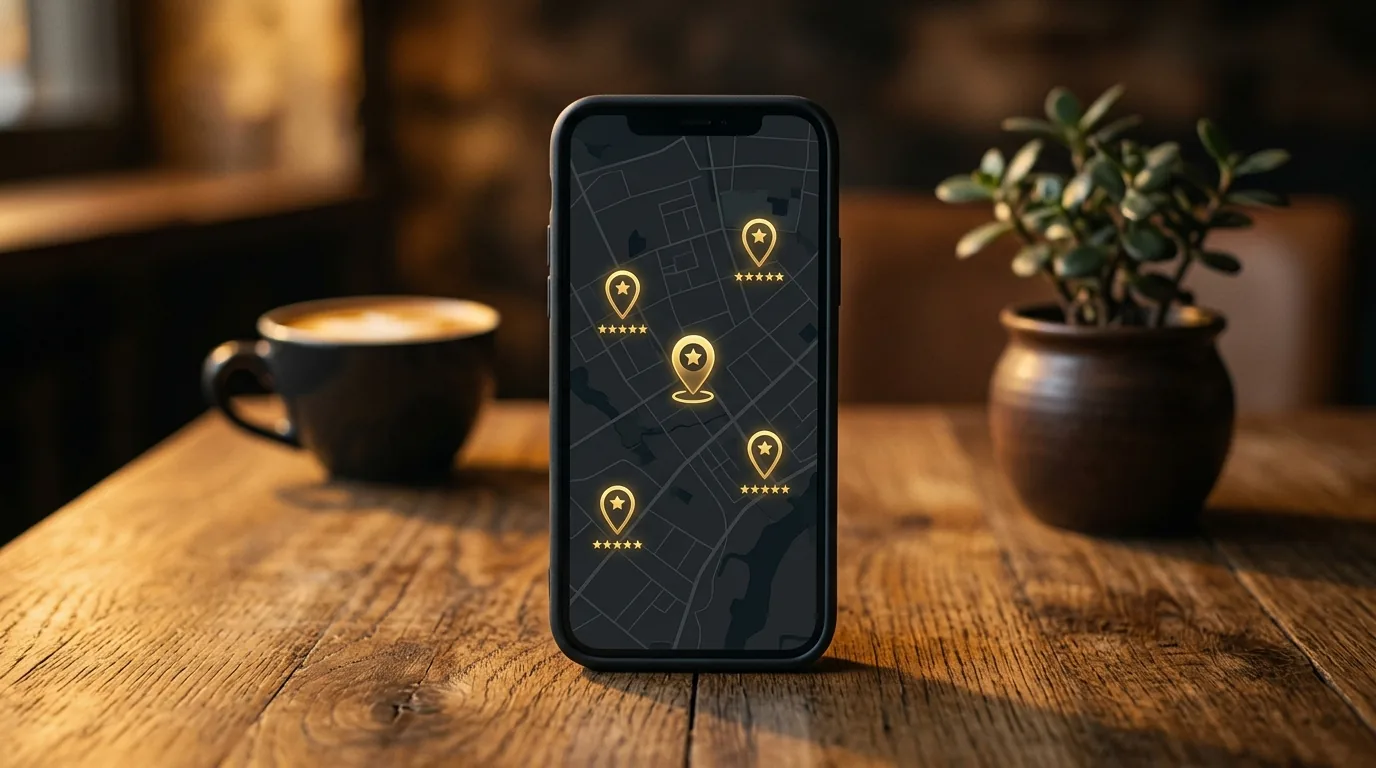 Smartphone on a desk showing a map with location pins and review star markers
Setup takes less than half an hour, but every step counts. Take the time to get it right the first time.
1. Create an account or claim your profile. Head to Google Business Profile and first check whether your business already exists. Often there is an auto-generated listing that you simply need to claim. If there isn't one yet, create it from scratch.
2. Choose the right category. This is the single biggest lever, and also where most mistakes happen. Your primary category should describe exactly what you are, not what you also happen to offer on the side. An "Italian restaurant" ranks far better for the relevant searches than a generic "restaurant". Be as specific as you can.
3. Set your address or service area. If you have a physical location, enter the exact address. If you work at the customer's site, like a tradesperson, set your service area instead. Doing both at once is only possible in rare cases, so make a deliberate choice.
4. Add contact details and opening hours. Phone number, website link, and correct opening hours all belong here. Sounds obvious, but wrong opening hours are a real trust killer. Someone who turns up to a locked door does not come back, and may well leave a bad review on the way.
5. Verify. Finally, Google confirms the business is actually yours, usually by postcard with a code, sometimes by phone or video. Your profile won't go live without this step, so factor in the few days of waiting.
The 6 most important optimisations after setup
A set-up profile is only half the job. The real work, and the difference between position 8 and the Local Pack, is in the upkeep.
1. A description with local search terms. Write a business description that reads naturally but still includes the terms your customers actually search for. So not just "We've been here for you for 20 years", but specifics: what you offer and where. Don't overdo the keywords, it reads as spammy fast and achieves nothing.
2. Use every relevant category. Alongside your primary category, you can add secondary ones. A bakery with a café adds "café" as well. That way you show up for more relevant searches without diluting your main focus.
3. Upload real, good photos. Profiles with photos get measurably more enquiries than profiles without. Show your premises from outside so people can find it again, the inside, your team, and your work. Please, no stock photos. Real images build trust, interchangeable symbolic shots do the opposite.
4. Collect and respond to reviews. Reviews are one of the strongest local ranking factors there is. Actively ask happy customers for one, ideally right after the job. And just as important: reply to every review, the good and the bad. A calm, factual response to a negative review often convinces future customers more than the five stars above it.
5. Use Google Posts regularly. Posts let you share offers, news, or events directly in your profile. It signals to Google that your profile is active and maintained, and gives searchers a current impression. One post every week or two is plenty.
6. Seed the Q&A section yourself. Users can ask questions on your profile, and anyone can answer them, including strangers. Get ahead of it: post the typical questions your customers ask and answer them yourself. That way you control the information and avoid misunderstandings.
NAP consistency and local directories
NAP stands for Name, Address, Phone, your three most important contact details. The principle is simple: these details must be exactly the same everywhere online. On your website, in your Google Business Profile, in directories, on social media. Identical everywhere, down to the spelling.
Why it matters: Google cross-checks your data from different sources. If it finds three different phone numbers, or "Street" in one place and "St." in another, that creates uncertainty, and uncertainty costs you ranking. Clean, consistent data, by contrast, strengthens your profile.
On top of that, list yourself in the directories that matter: Yelp, Bing Places, and industry-specific portals depending on your field. Be just as meticulous about identical details there. Tools like a NAP audit help you track down discrepancies.
Common mistakes that cost you rankings
Finally, the mistakes we see most often in practice, and that are easy to avoid.
The wrong primary category. Pick something too general and you give away visibility for exactly the searches that fit you. Be specific instead.
A half-finished profile. Every empty field is a missed opportunity. Google favours complete profiles, and customers trust them more.
Ignoring negative reviews. An unanswered bad review makes it look like you don't care. A good response flips it around and shows how you handle problems.
Keyword stuffing in the business name. Don't enter "Smith Plumbing Heating Bathroom Emergency London Cheap" as your name. It violates Google's guidelines and can get you suspended. Your name is your name, the keywords belong in the category and description.
The Google Business Profile is one of the few marketing tools that is free and can still drive revenue directly. Set it up properly and keep it maintained, and you get found locally. Leave it sitting there, and you hand the best spots to your competition.
We get your Google Business Profile to the top
We set up your profile cleanly, optimise it for local searches, and connect it properly to your website. Free discovery call, no pressure.

You might also like
Local SEO Guide: How to Get Your Business to the Top of Google
Local SEO guide for small businesses: the most important levers for ranking on Google Maps and local search — prioritised by effort and impact.

Why Your Website Isn't Generating Leads — And How to Fix It
Why is your website not generating leads? The 7 most common reasons and concrete fixes — self-auditable in 15 minutes.

How Much Does It Cost to Have a Website Built? An Honest Breakdown
How much does a website cost? Real price ranges from website builders to custom development — and an honest guide to which option suits your business.
Read all articles
More posts on web design, SEO and digital marketing for real estate professionals.